Home Solutions Templates Pricing Resources Start free
Solutions

Solutions by industry

The same workflow, read six different ways. Each starts from the brief your team already writes.

01 · E-commerce

The catalog outruns the design queue

On most catalogs the constraint isn't ideas — it's throughput. A new listing needs a feed frame, a story cut, and a display variant before it can be advertised at all, and the seasonal refresh lands before the last upload is done. Everything else waits on that backlog.

Give mcloud a product page and it drafts the set that page is missing. Copy is pulled from what is actually on the page — materials, fit, dimensions, price — and the same brief produces a feed frame, a story cut, a display variant, and an email banner at once.

Split the work by collection, season, or price band and generate in a batch. Your brand kit is applied to every frame, so a large catalog still reads as one store.

  • A full ad set from one product page
  • Batches split by collection or season
  • Feed, story, display, and email formats
  • Brand kit applied to every listing
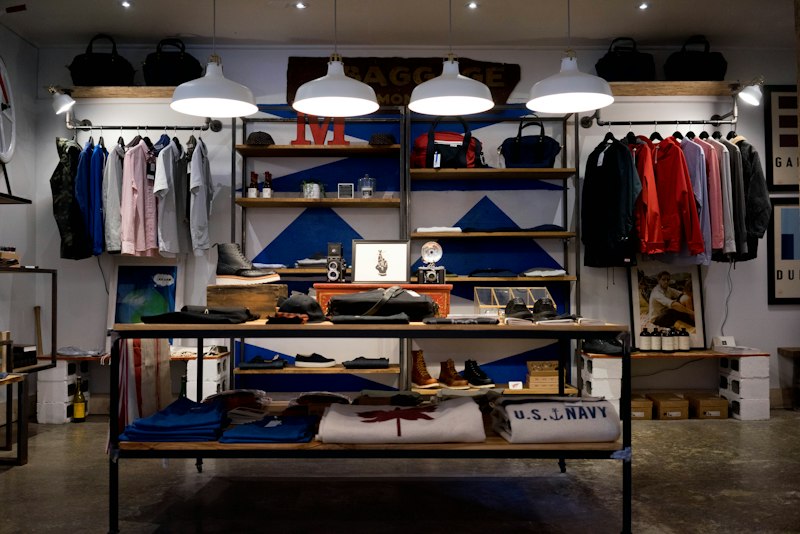
Retail store interior
02 · Agencies

More briefs than production hours

Agency work rarely fails on craft. It fails on queue. A brief lands Monday, the concept is due Wednesday, and the studio that could have produced it is booked into the following month — so the pitch is won or lost on timing rather than the idea.

Hand mcloud the brief and whatever the client already owns: a past ad, a pitch deck, a product page. The first round of concepts comes back while the client call is still fresh enough to argue with, which is usually the moment the work is actually decided.

Nothing leaves the building unreviewed. Drafts open as editable copy and layout; a brand kit per client keeps palette and type correct across every account.

  • A workspace and brand kit per client
  • Remixes from a client-supplied ad or deck
  • Editable drafts — nothing exports without review
  • Export MP4, PNG, and copy documents
Modern office meeting room
03 · DTC brands

A feed that should never look the same twice

Paid social runs on a rolling set of variants, not one hero asset a quarter. The problem is rarely producing the first ad — it's keeping the twentieth one on-brand when nobody has time to restyle it.

mcloud keeps the brand kit applied across posts, stories, covers, and carousels, and produces a new set of hooks around the same offer. Structure and palette stay fixed; the wording, the framing, and the composition change.

Because the layout is repeatable, a batch reads as one campaign instead of six unrelated posts. Consistency does work that no caption can.

  • Repeating layouts across posts and stories
  • New hooks around the same offer
  • Batches sized for a weekly cadence
  • Every variant testable side by side
Fashion shopping bags
04 · SaaS

Explaining the product without a designer in the loop

SaaS creative is hard for a specific reason: the thing you're selling is invisible. There's no product to photograph, so ads end up either abstract or a screenshot with a caption — and both take a designer to assemble.

A feature brief is enough to start. mcloud drafts release frames, spec and comparison layouts, and copy variants for the channels the launch actually uses — search and social wording, in-app announcement copy, and the landing-page headline underneath it.

For product video, start from the script. A 30- or 60-second sequence can be drafted from the feature description, then edited like a document.

  • Release and feature frames from a written brief
  • Spec and side-by-side comparison layouts
  • 30- and 60-second scripts for product video
  • Copy variants for search, social, and landing pages
Laptop with analytics
05 · Mobile apps

Store assets and social cutdowns from one brief

An app launch needs two different sets of creative built from the same source: the assets the store review needs, and the vertical video that has to stop a scroll before it starts.

mcloud drafts both from one brief. Frames for the store are built around the screenshots you already have, and the same brief produces 9:16 cuts with a written script underneath — a 30- or 60-second version when the feature needs explaining.

Feature announcements repeat, so the layout is worth making once. Keep a small set of templates and generate new words and screenshots into them each time instead of redesigning the format.

  • 9:16 story and reel cuts for vertical placements
  • Frames built from the screenshots you already have
  • 30- and 60-second demo scripts, editable as text
  • Reusable layouts for repeat announcements
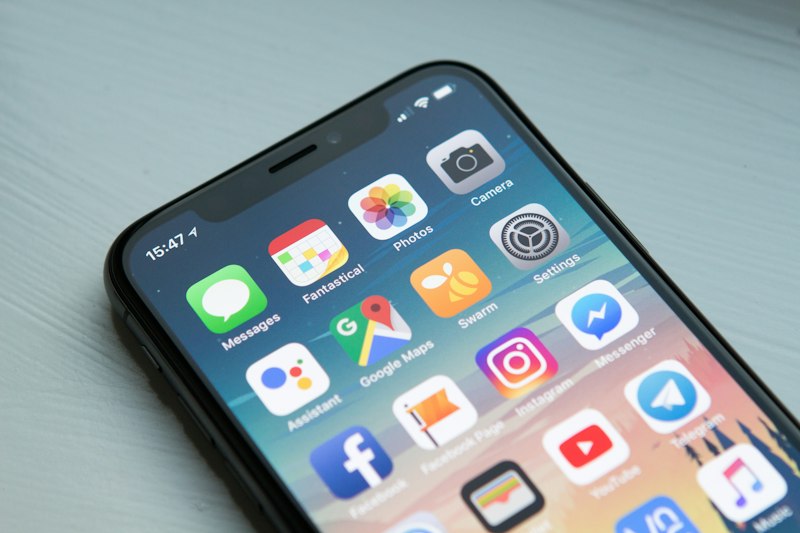
Phone in hand
06 · Real estate

Listing creative that exists the day the listing goes live

Every listing already has the ingredients: photographs, a floor plan, a price, a list of features. What usually arrives late is the ad. The keys go out, the portal listing is live, and the marketing is still a week behind — exactly when a listing needs to be seen.

mcloud drafts the ad set from the listing details you already have. Give it the property summary and the feature list, and it produces a listing frame, an open-house frame, and a display variant in the sizes each placement asks for.

The same approach works before a building is finished: pre-leasing material is a set of frames describing a space that doesn't exist yet — a harder brief for a designer, a straightforward one for a generator.

  • Frames built from listing photos and features
  • One consistent set of layouts across a portfolio
  • Listing, open-house, and display variants
  • Pre-leasing material, before handover
Modern building exterior

See it on your own brief.

The tryout runs in your browser — no signup, nothing saved.

Try the playground