E-commerce01
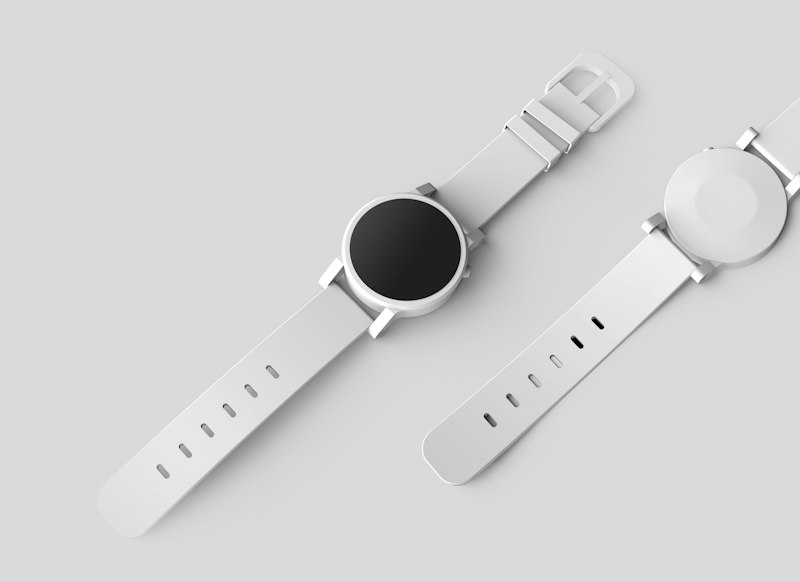
Product launch
A first listing that names the problem before the product.
Product: [name]. Audience: [describe]. Tone: bold. Format: 9:16 story. Hook: first line names the pain point. Close with a single CTA and a 30-day return note.
E-commerce02
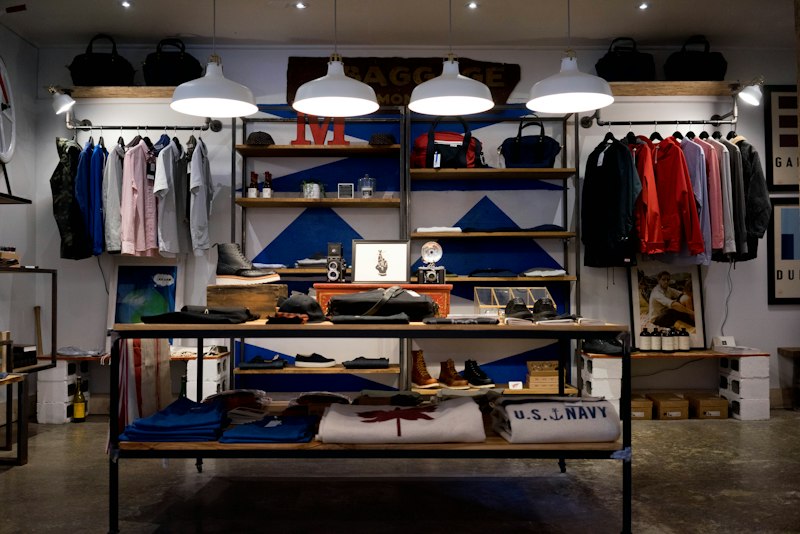
Seasonal sale
Urgency without the shouting.
Sale: [offer]. Window: [dates]. Audience: [describe]. Tone: warm. Format: 1:1 feed. State the offer in the first line, add the end date in the second, and keep the CTA to four words or fewer.
E-commerce03

Unboxing video
A 30-second script, beat by beat.
Product: [name]. Packaging detail: [one thing worth showing]. Tone: playful. Format: 9:16. Script a 30-second unboxing: 0-5s hook, 5-15s the reveal, 15-25s one close-up detail, 25-30s CTA. No background music cues.
DTC brand04

Founder story
First-person, specific, no corporate voice.
Founder: [name]. Origin: [one line about why the product exists]. Product: [name]. Tone: minimal. Format: 9:16. Keep it first-person and specific — one detail beats three adjectives. End with the product, not the founder.
DTC brand05

Testimonial ad
Let the quote carry the claim.
Quote: [verbatim customer line]. Customer: [first name, role]. Product: [name]. Tone: warm. Format: 1:1. Lead with the quote in quotation marks, attribute it below, and let the product name appear only in the CTA.
DTC brand06

Limited-time offer
A scarcity hook that stays honest.
Offer: [what's limited and why it actually is]. Product: [name]. Audience: [describe]. Tone: bold. Format: 4:5. State the offer and the real reason it's limited — no fake countdowns. One CTA.
SaaS07

Feature drop
Lead with the outcome, not the button.
Feature: [name]. Why it matters: [one outcome line]. Audience: [describe]. Tone: bold. Format: 4:5. Lead with the outcome, mention the feature second, end with a CTA that names the action, not "learn more".
SaaS08
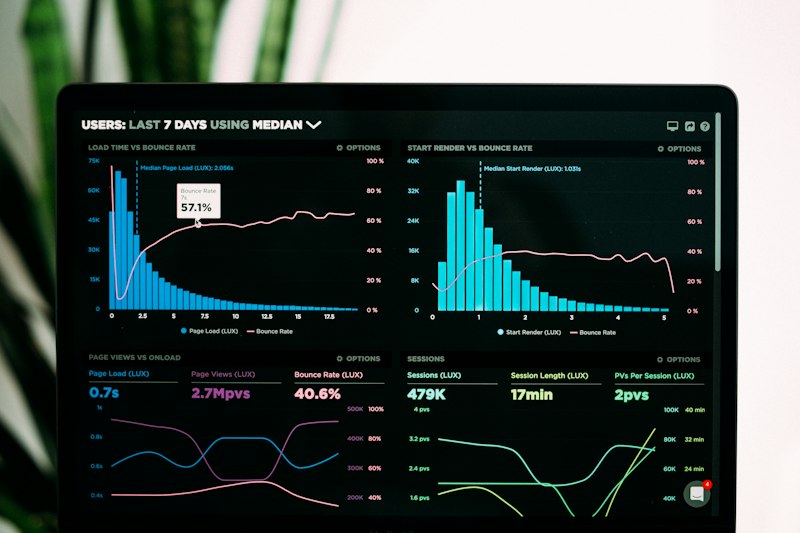
Comparison layout
Side-by-side, three rows, no table sprawl.
Product: [name]. Competitor category: [what you're compared against]. Three real differences: [list]. Tone: minimal. Format: 4:5. Build a three-row comparison — one claim per row, stated as a fact about you, never as an insult about them.
SaaS09
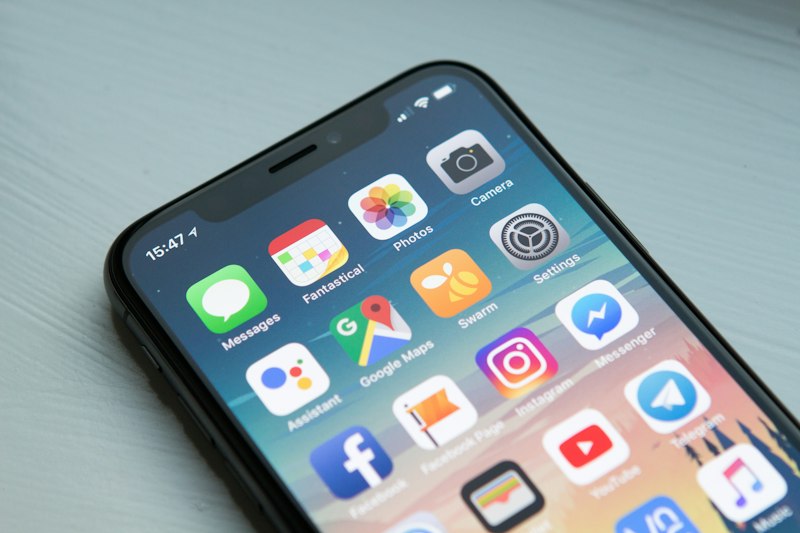
App install
Screens that read at thumb size.
App: [name]. One action worth installing for: [outcome]. Audience: [describe]. Tone: bold. Format: 9:16. Front-load the outcome in the first second, keep the caption short enough to read at thumb size, and end with the store button.
Agency10

Client brief → first concept
Turn a client deck into a first round.
Brief: [paste the client's one-paragraph brief]. Reference: [what the client has shown before]. Client brand: [palette, tone]. Produce three distinct concepts, each with a headline and a visual direction, in the client's voice — not ours, not yours.
Agency11

Revision round
Keep the structure, rewrite the words.
Current draft: [paste the headline and subcopy]. Client feedback: [paste the exact note]. Keep the layout and the offer. Rewrite the wording so it addresses the feedback directly, and return three options ranked from closest to furthest from the original.
Agency12
Campaign set
One brief, every format at once.
Campaign: [name and offer]. Audience: [describe]. Brand kit: [palette, fonts]. Produce one set: a 9:16 story, a 1:1 feed post, a 4:5 carousel cover, and a 30-second script — all from the same hook, so the campaign reads as one voice across placements.